Take the stress out of making groups.
GroupMaker helps teachers quickly and fairly create student groups that balance preferences, friendships, and teacher guidance.

🎯 What it does

  • Collects student choices through a simple form
  • Respects teacher rules (students who must/shouldn’t be together)
  • Uses smart matching to maximise student happiness
  • Shows group “happiness scores” so you can see how well the groups fit
  • Allows manual adjustments with instant recalculation

👩‍🏫 Why teachers love it

  • Saves hours of admin time
  • Prevents awkward or unfair groupings
  • Keeps control in teachers’ hands while using data to guide decisions
  • Works directly inside Google Sheets – no extra logins needed

⚡ How it works
1. Upload a Class list

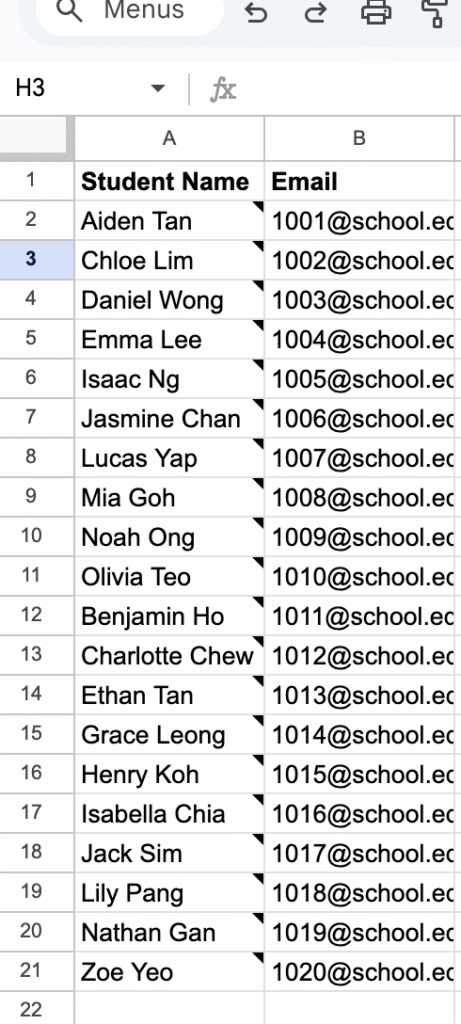
Start by uploading a list of students to your Google Sheet.
At a minimum, you’ll need to include a name for each student, and an email address (if you want to use Google Forms to collect preferences).

2. Create your forms and preferences

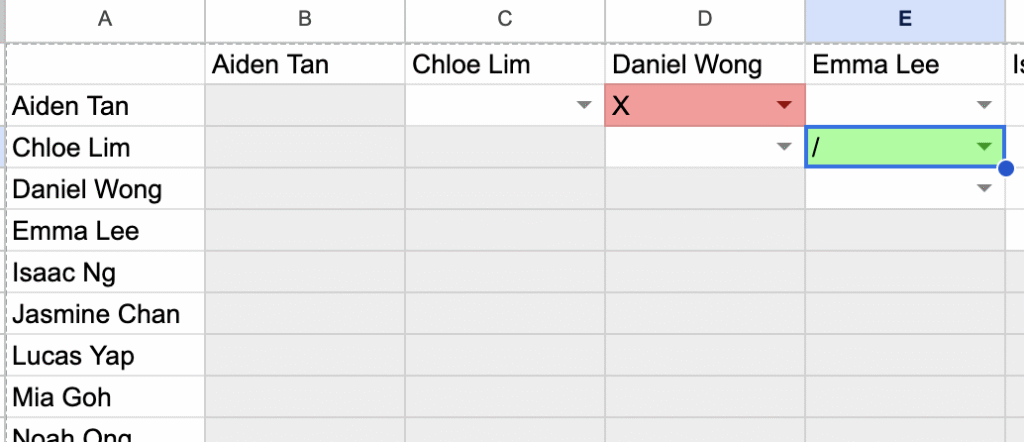
Groupmaker will create a teacher override combinations form. On this form, you can specify students who must or must not be grouped together

Distribute forms

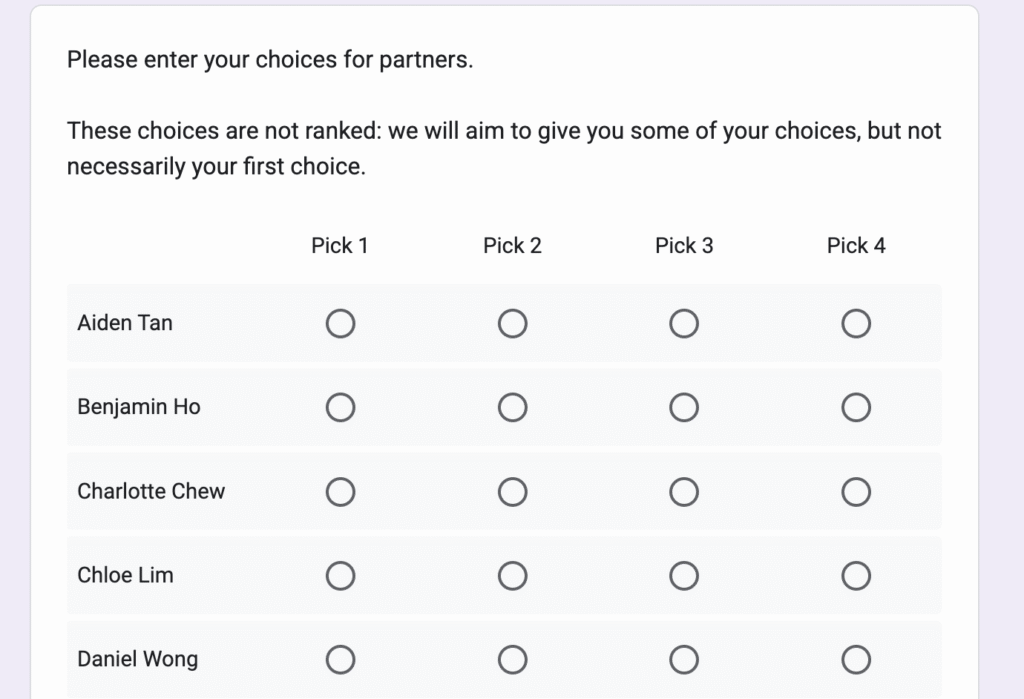
GroupMaker will generate a Google form for you, where students can specify which students they would like to be in a group with.
Pro tip: You can use these forms to collect other data, such as dietary preferences.

Import Responses

GroupMaker will pull in the reponses from your form, populating the choices for each student.
At this point, you can also override choices if students change their minds.
You can also do this step manually for students who don’t or can’t use Google Forms

  1. Upload your class list into Google Sheets
  2. Students select preferences via a Google Form
  3. Add teacher rules (must / can’t be together)
  4. Click Generate Groups – done in seconds!
  5. Review, adjust if needed, and share


T


  •  


  1.  

📊 Built for schools

  • 🔒 Secure – no student data stored outside your sheet
  • 🎓 Flexible – works for any subject, project, or year group
  • 🔍 Transparent – teachers can see exactly how groups were made

Sign up to trial GroupMaker

Thanks for your interest in GroupMaker. By filling in this form, you’ll be added to the group of testers trialling the software. Please remember that GroupMarker is still in beta, and as such may behave in unexpected ways. By filling in this form, you’ll agree to trial this software and to be added to our Google OAuth consent screen. You can revoke your consent at any time.
Name
Terms of service
Updates
Scroll to Top